Arduino light sculpture

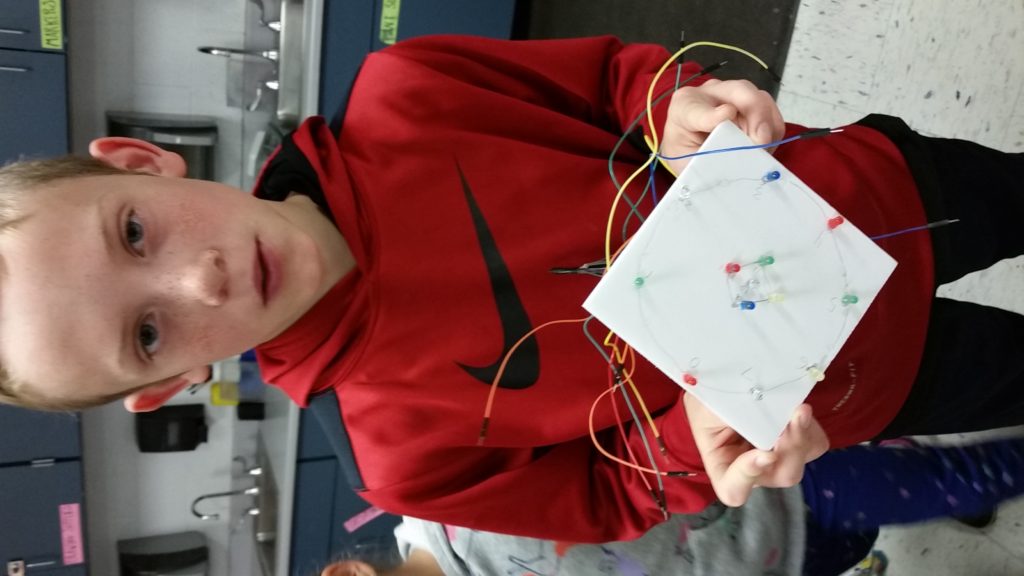
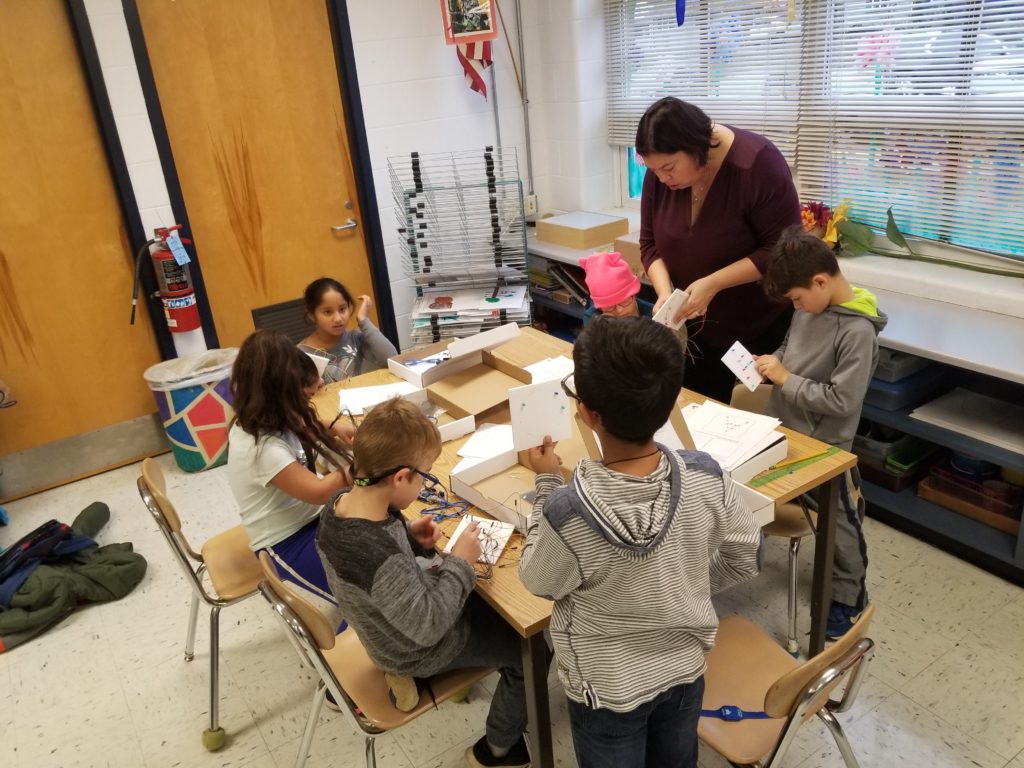
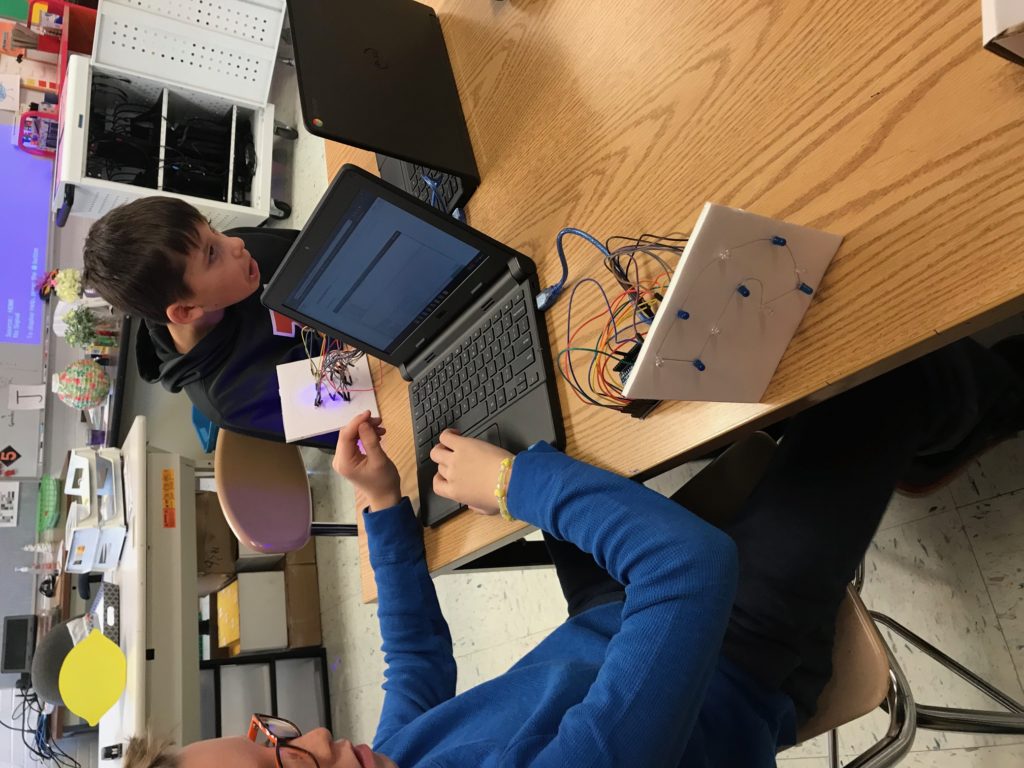
During the 2019-2020 School Year, the Emerson STEAM club worked on light sculptures. We combined LED lights, forms students choose, and used Arduino boards to control when different color LED lights turned on and off.

Here is a link to the final project many students completed.

Student projects exhibited at Illinois State University in February and March of 2020. The projects were Dr. Gross’s contribution to the faculty biennial.

https://galleries.illinoisstate.edu/exhibitions/2020/2020-faculty-biennial/#slide45-slide 48

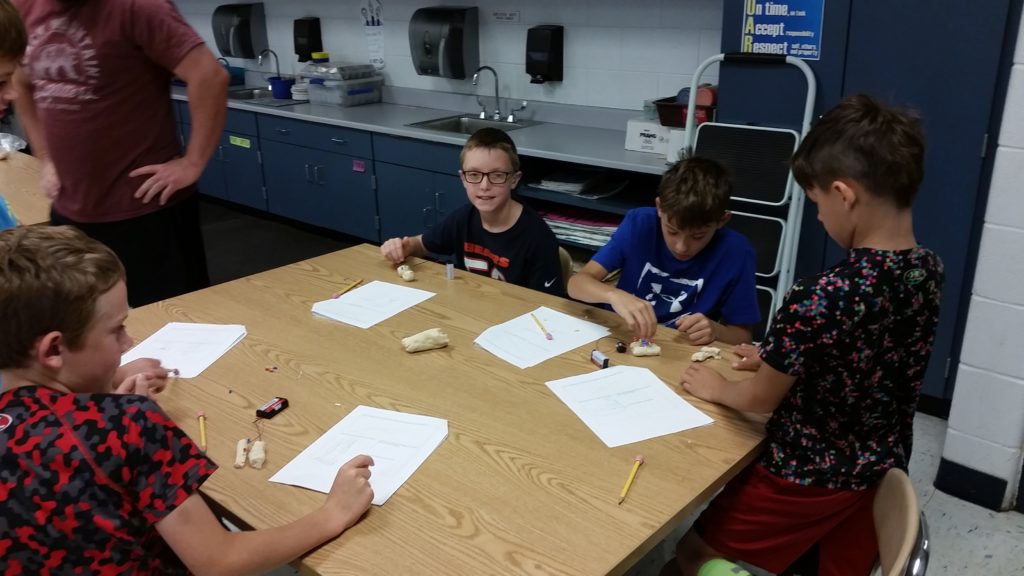
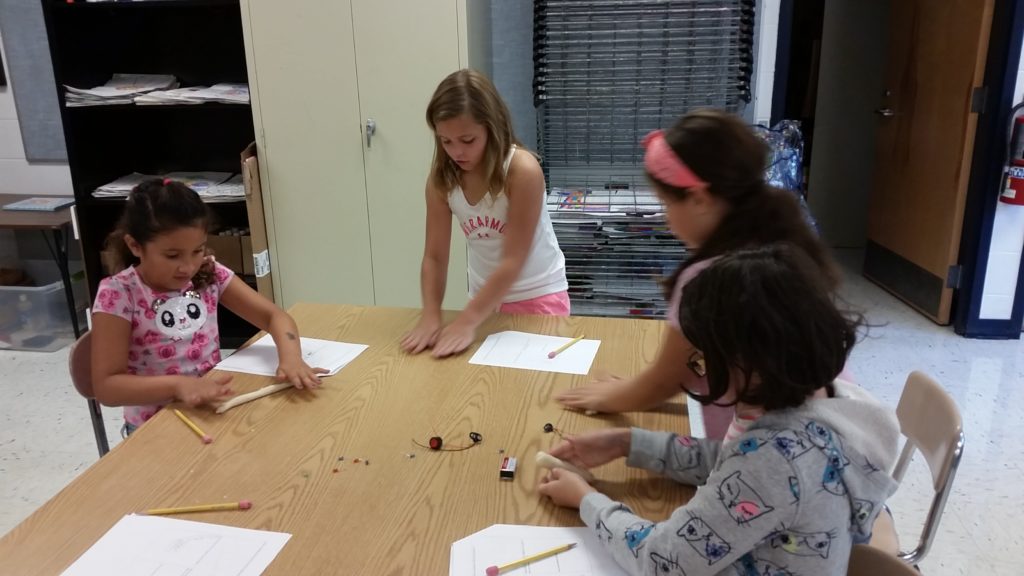
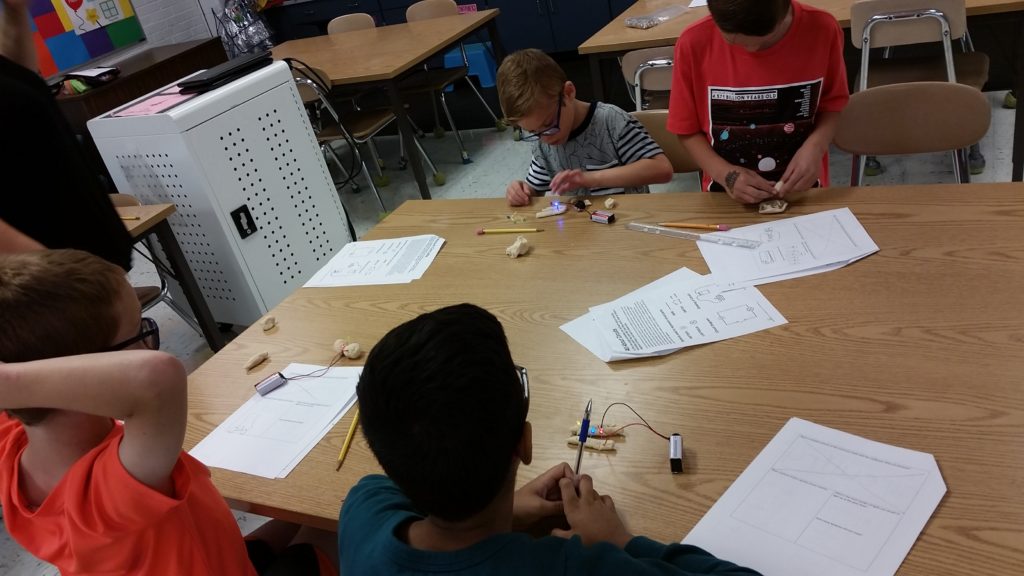
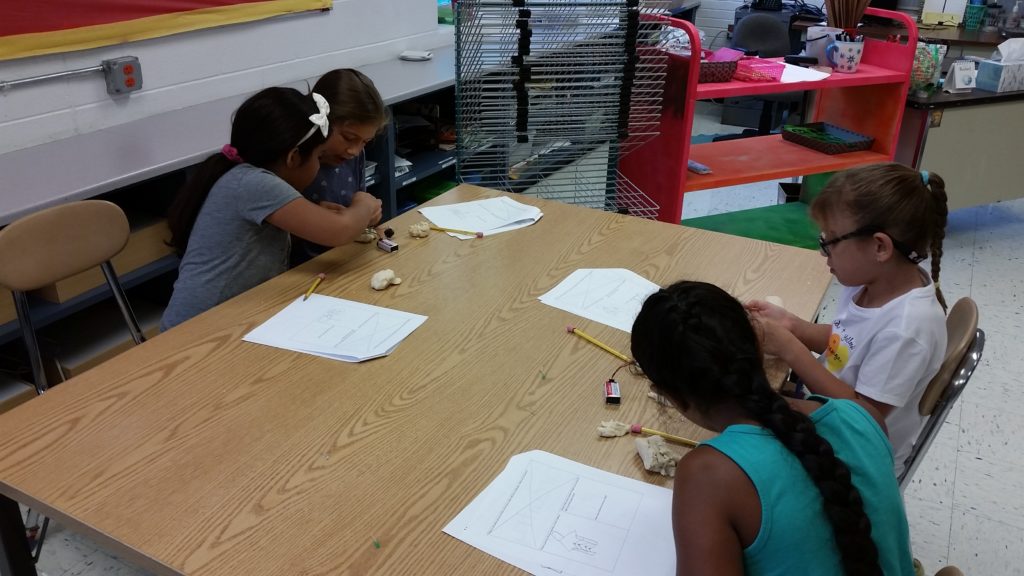
On 9.11.19 STEAM club started it’s 6th year at Emerson. On day one we prepared for our Arduino sculptures by learning about circuits. Groups of students defined what a circuit is, worked on their observation skills, and then built simple circuits using conductive dough, LED lights, and 9V batteries. *We started with this lesson because Arduino LED sculptures require a basic understanding of circuitry
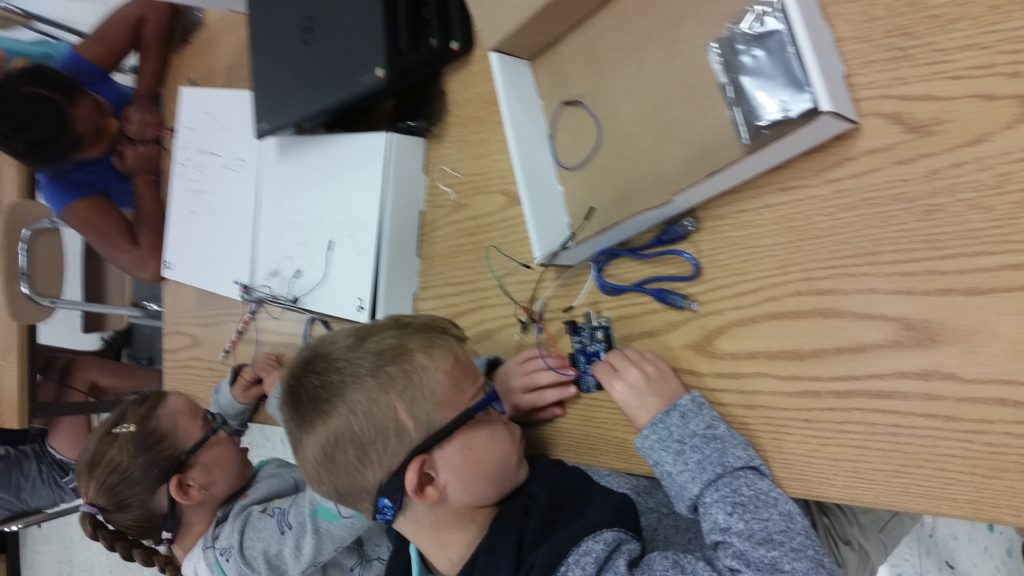
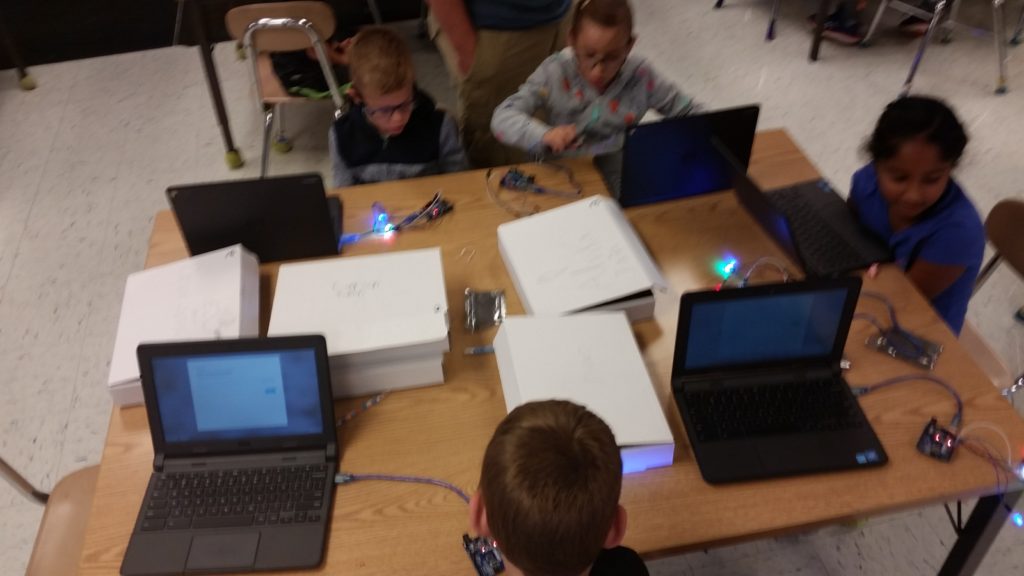
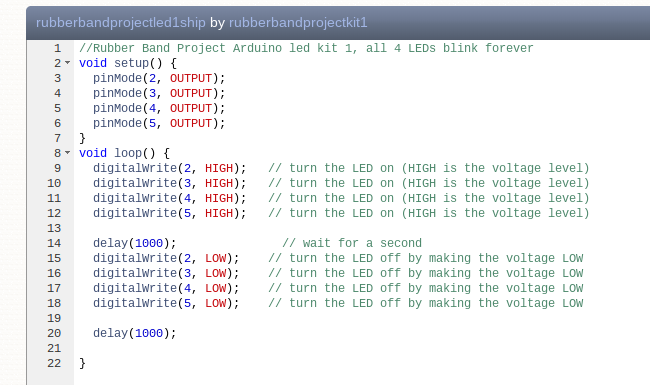
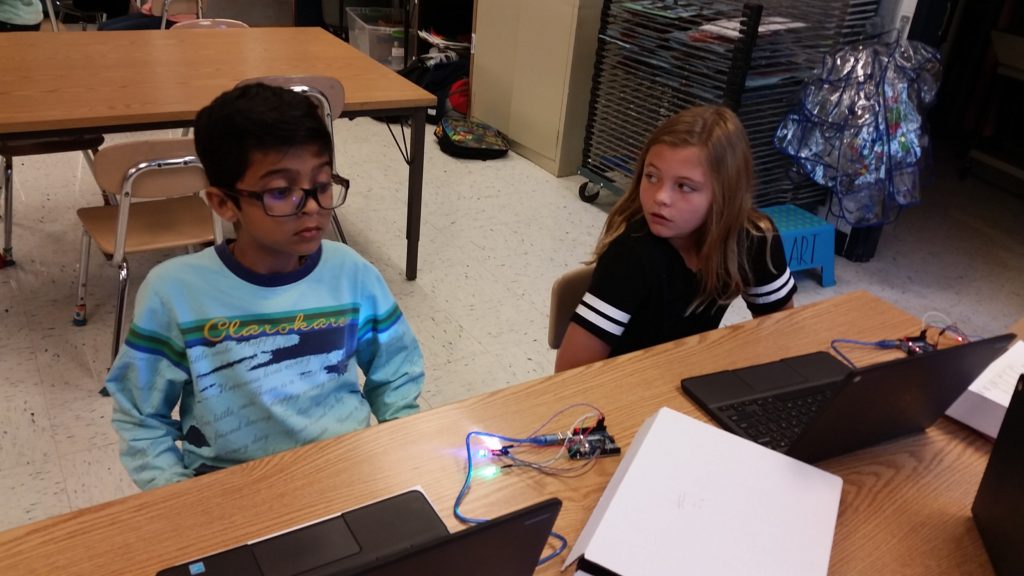
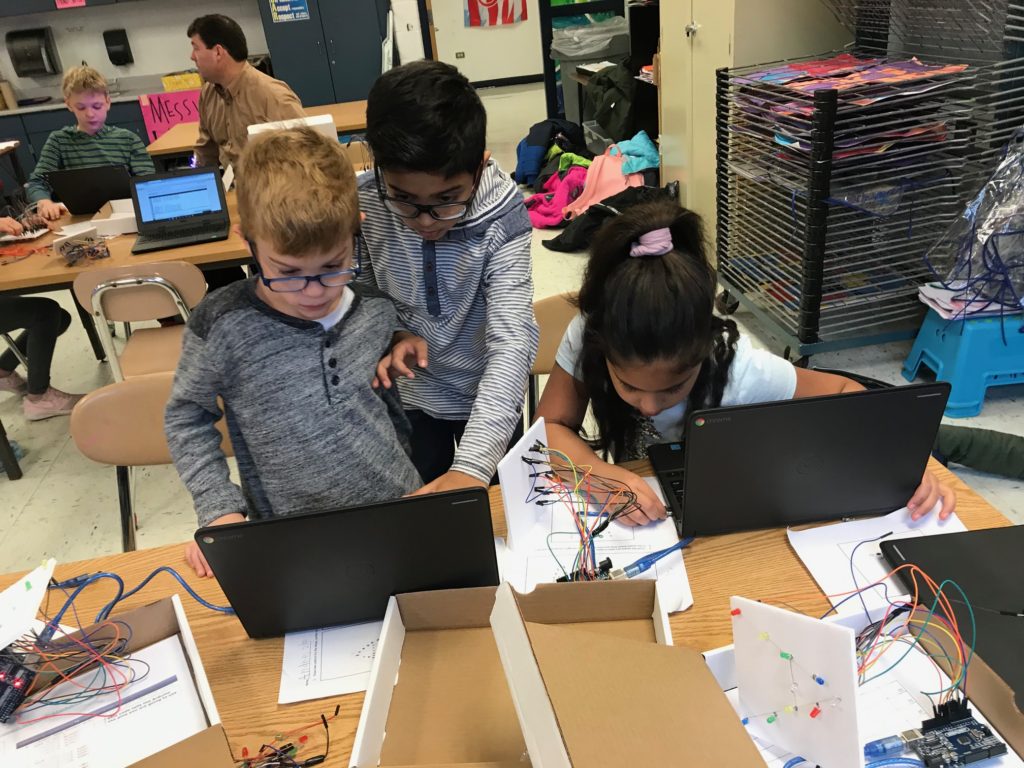
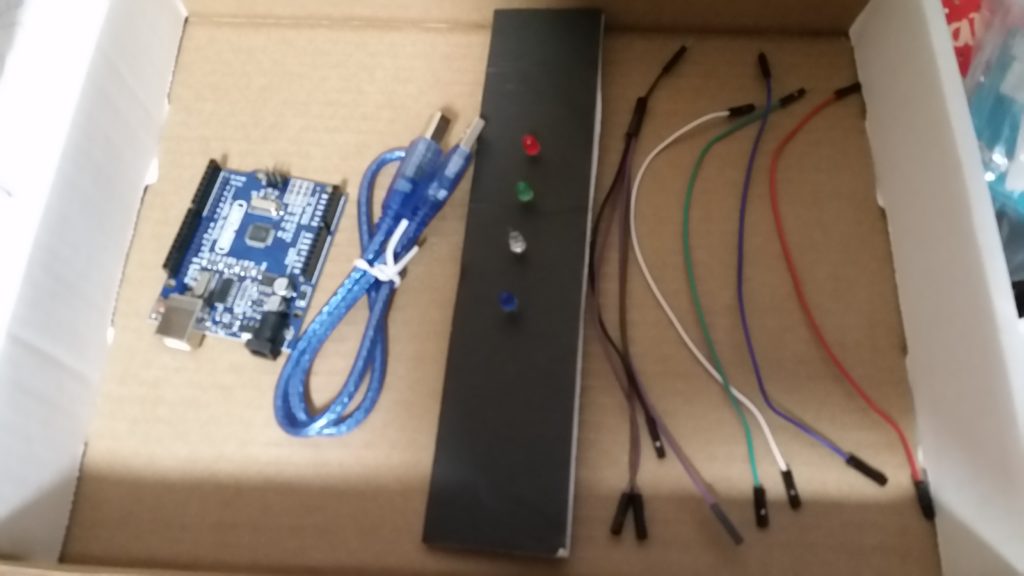
On 9.25 STEAM club students received and began working with their Arduino boards. Each student received a kit ( as pictured below.) The set up 4 basic LED circuts on their Arduino board. The board was preprogrammed with specific code that made the 4 LED’s light up and blink together once the board was powered by a computer. As a group we unpacked the preprogrammed code to begin our understanding of Arduino Coding.

Materials for 9.25
Link to Codebender app to install:
https://chrome.google.com/webstore/detail/codebender-app/magknjdfniglanojbpadmpjlglepnlko?utm_source=chrome-app-launcher


Link to code preinstalled on your arduino:
https://codebender.cc/sketch:908986
Circle Code

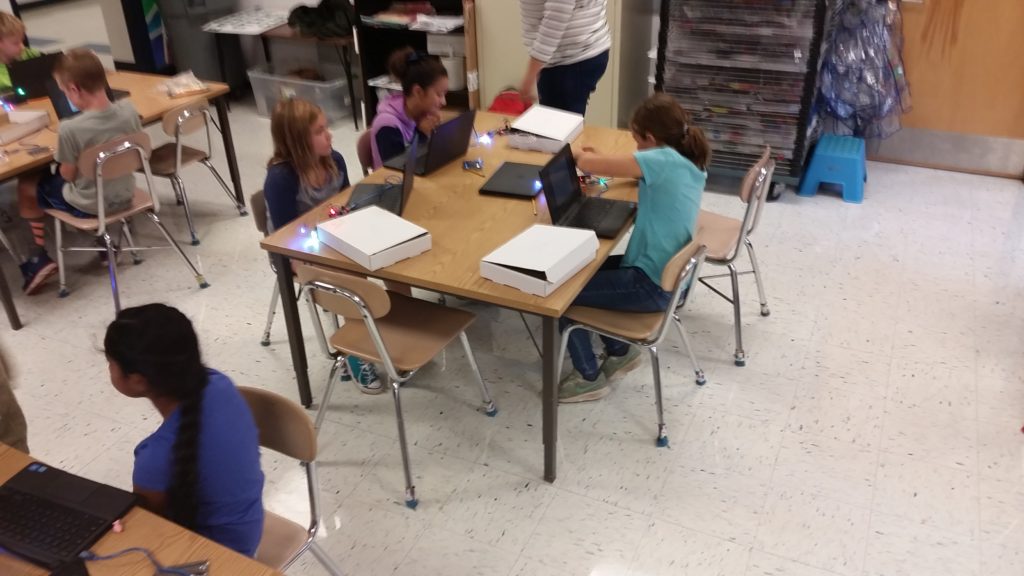
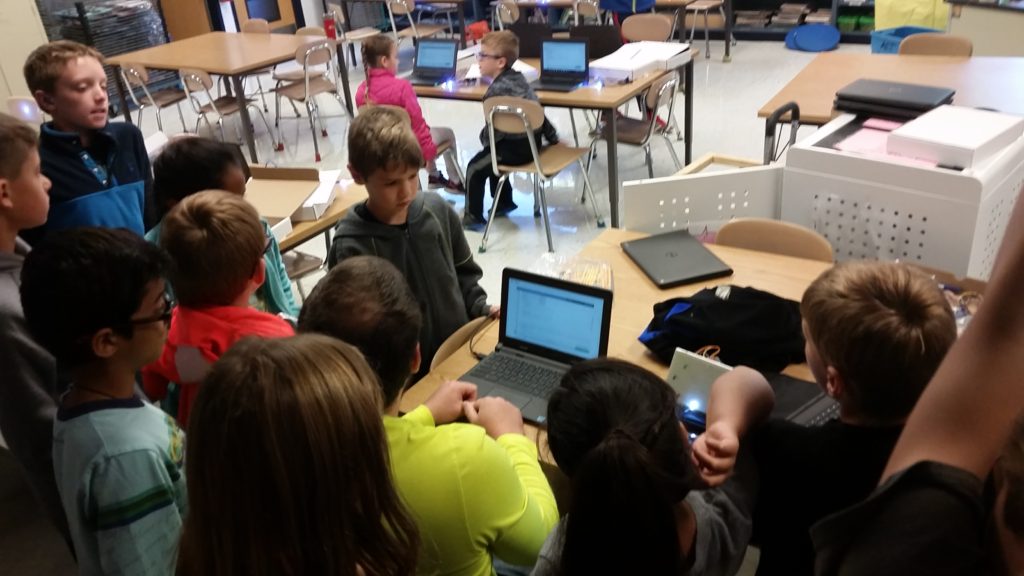
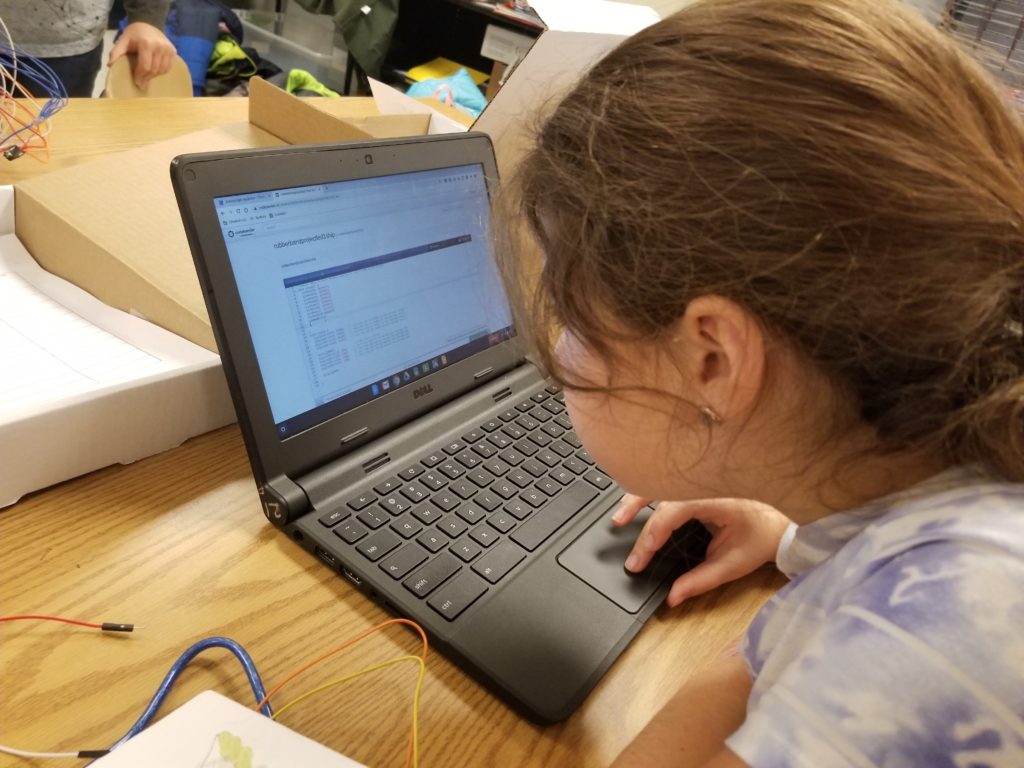
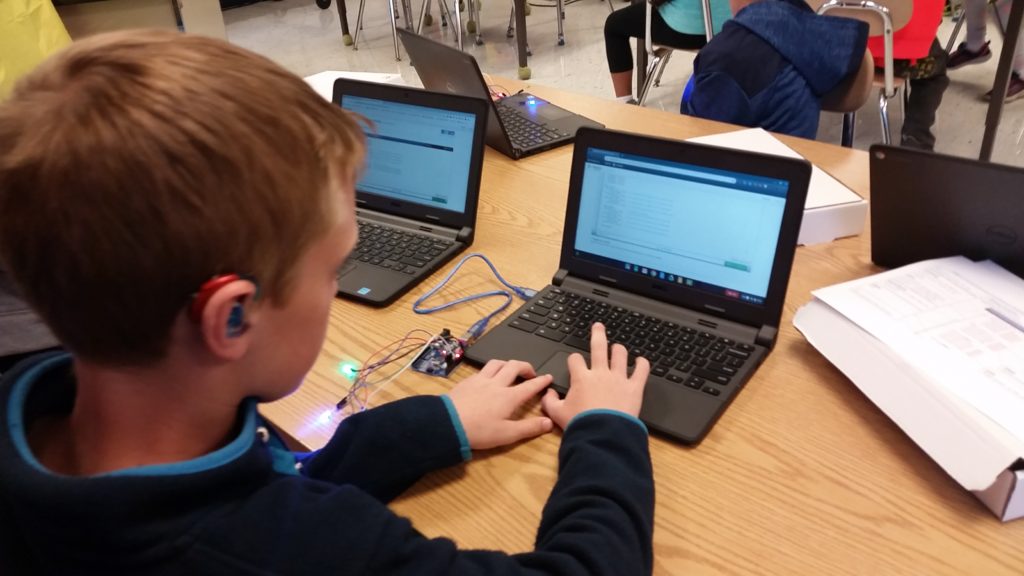
On 10.9 Kids got started with their first code changes! We installed the codebender app on each student’s D200 profile. Each child pulled up the above code and made one initial change as a class, having one LED turn on, then a second later all the rest. Students then worked on turning on one LED at a time. This step reminded us of the design process. Modifying code on their own was not an easy thing to do. Students had many failures on their way to success. Students missed some required special characters when adding code in incorrectly, causing builds to fail. Students misspelled words, causing builds to fail. Some students added delays in the wrong place, causing the LED’s to light up in a pattern that was not intended. Some students needed help from neighbors to think through how to turn on the lights one at a time. All of these things were great reminders that mistakes and failures are part of the process. At the end of class, Mr. Boden showed the kids some amazing things he had done with a circle of LED’s. This demonstration showed the power of coding and sparked student’s imaginations about what they may want to build. In the coming sessions, students will begin to decide what kind of sculpture they will build for themselves. They will layout plans for the physical sculpture, and the code they need to build.
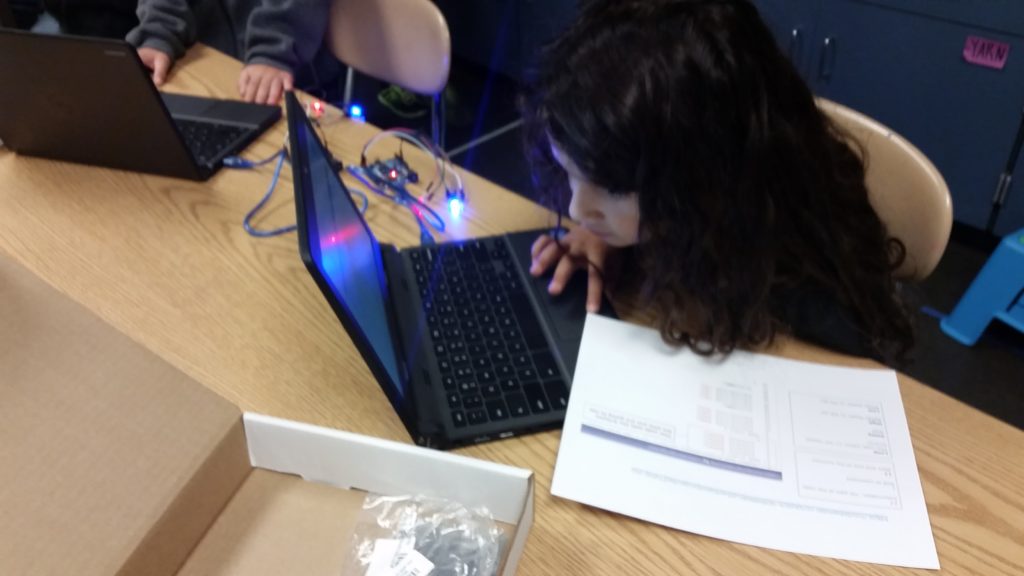
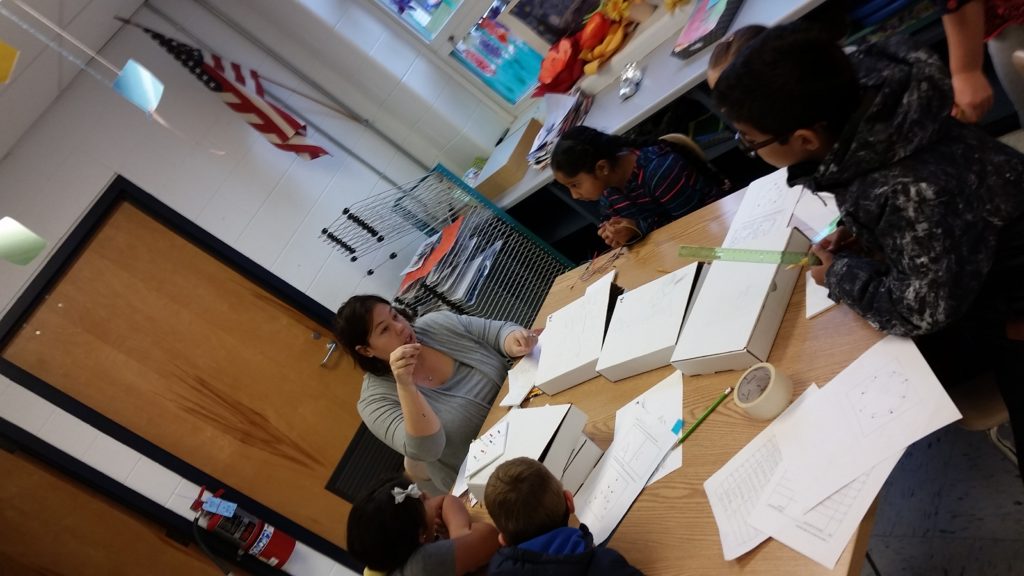
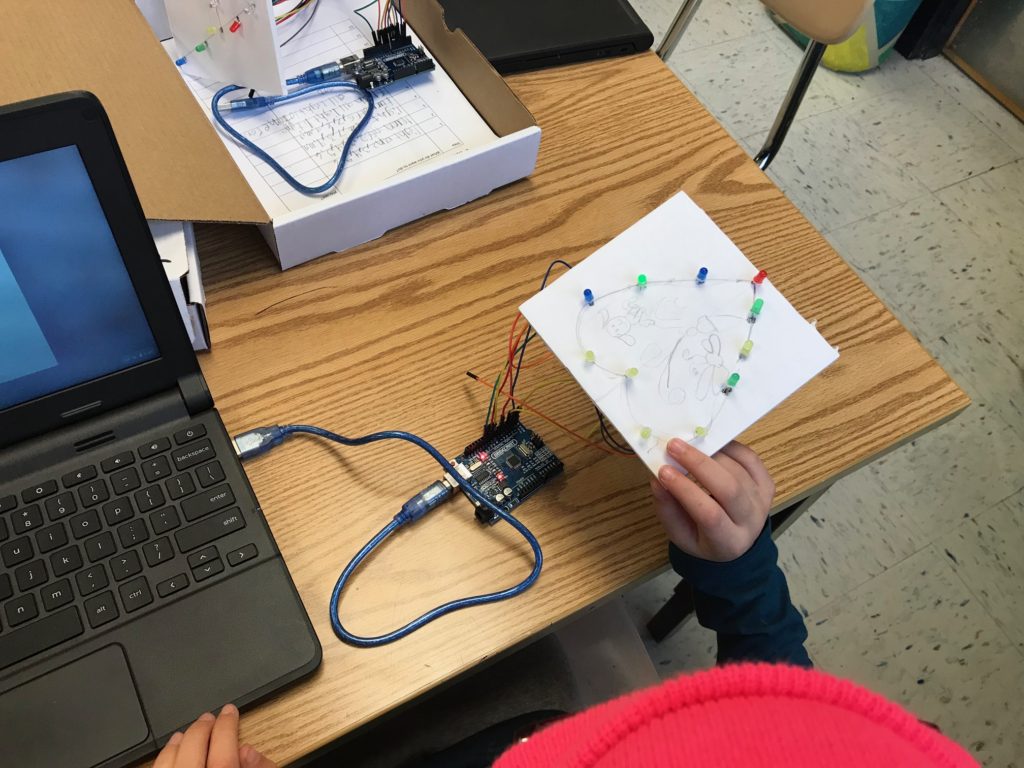
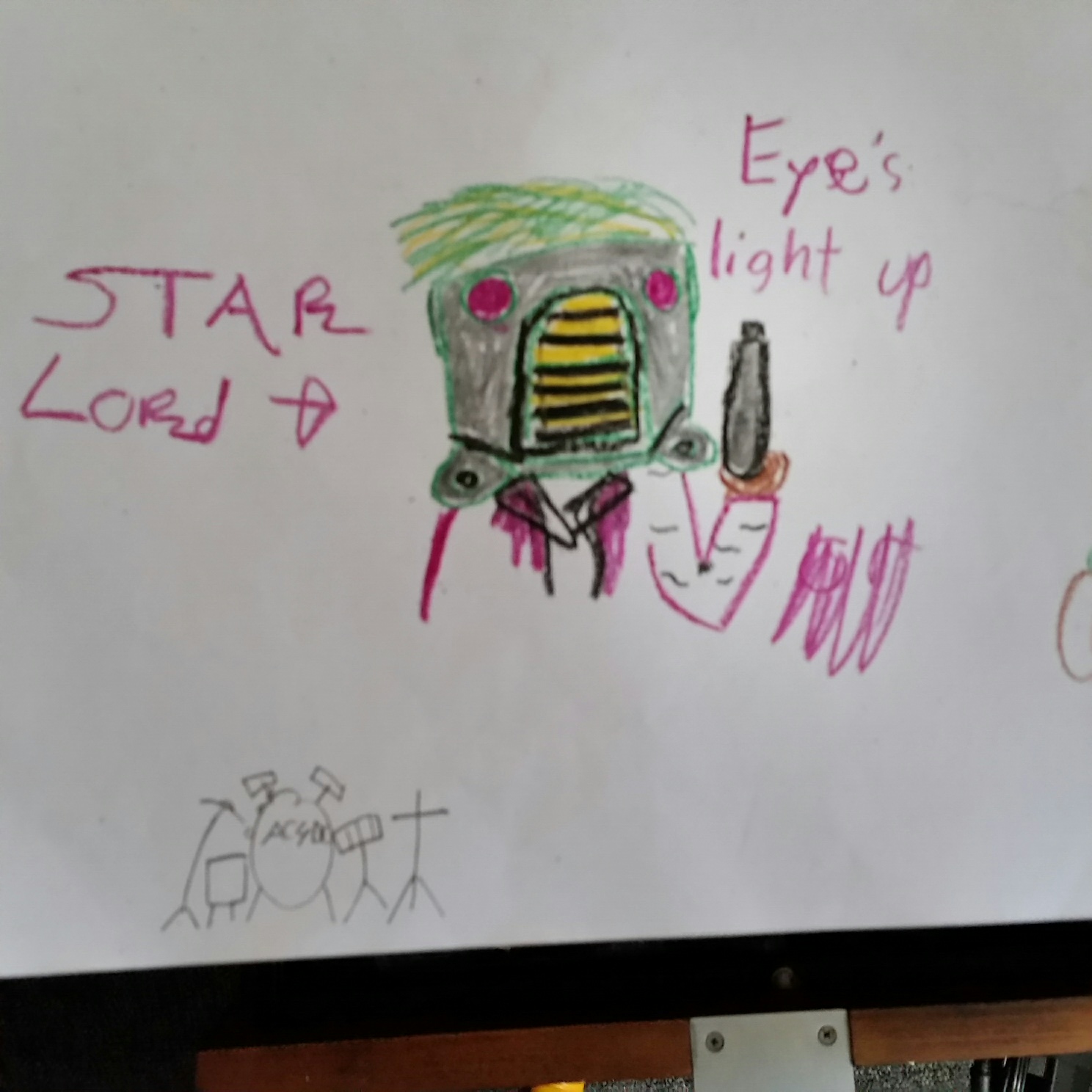
10.23 Students began working on their own sculpture planes. They drew out mock-up sculptures on paper, and wrote out basic codes, or ideas for their code. I hope to add some of these paper mock-up outlines in the future.

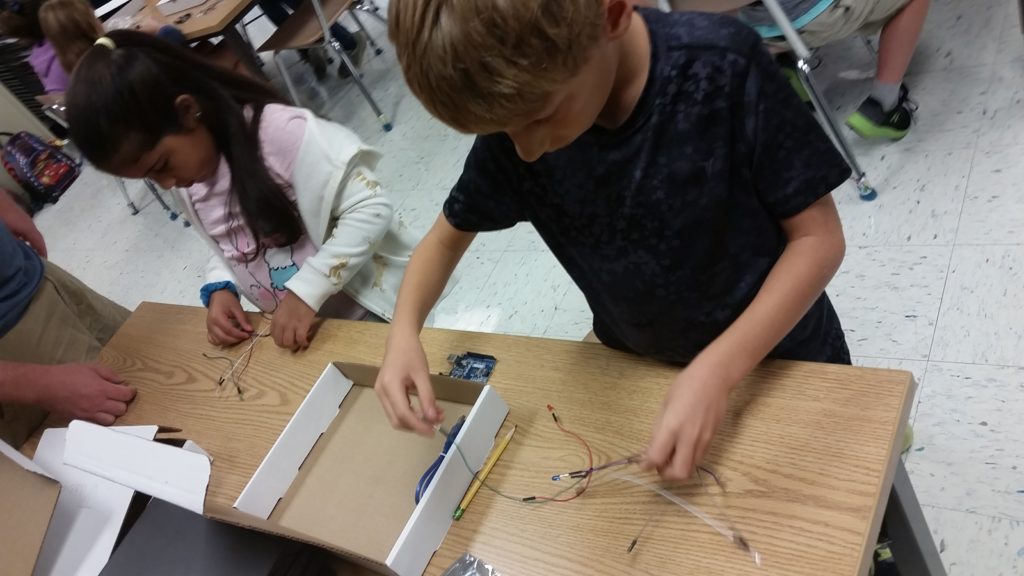
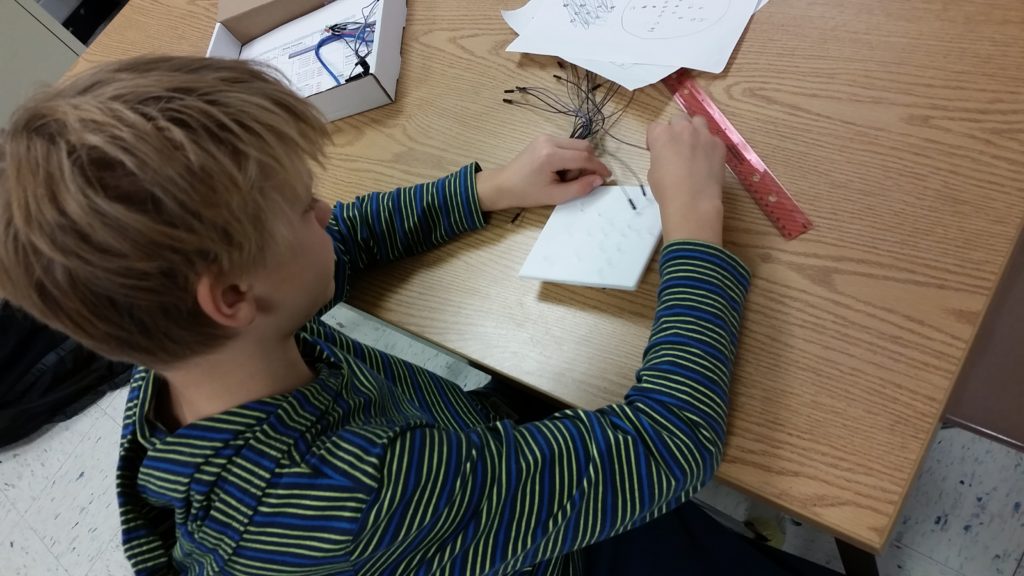
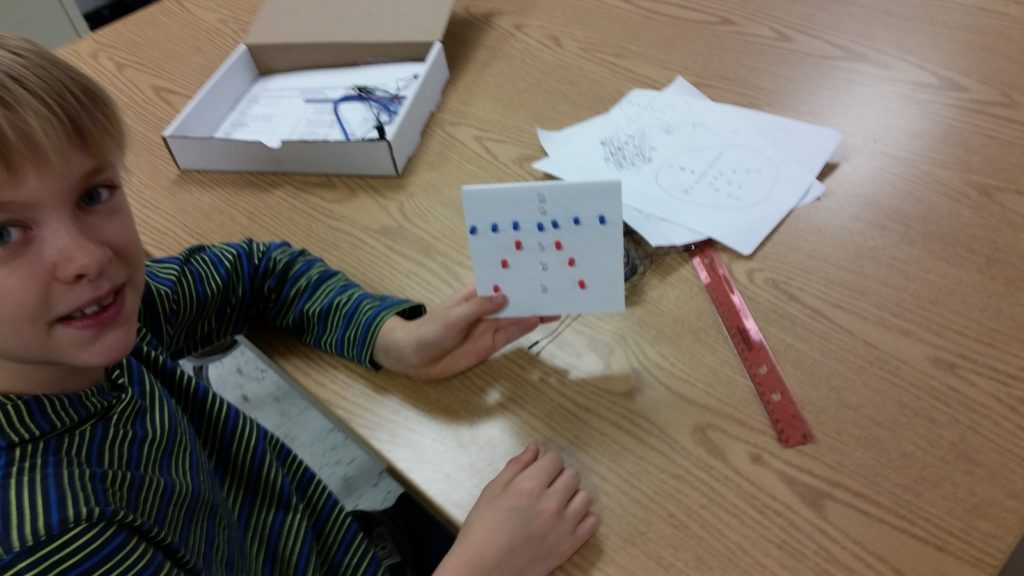
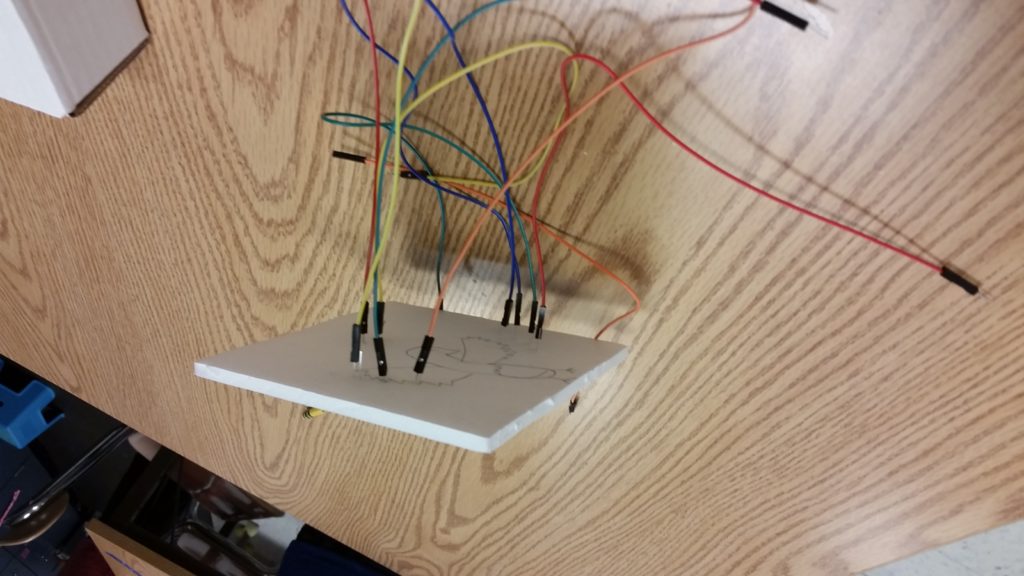
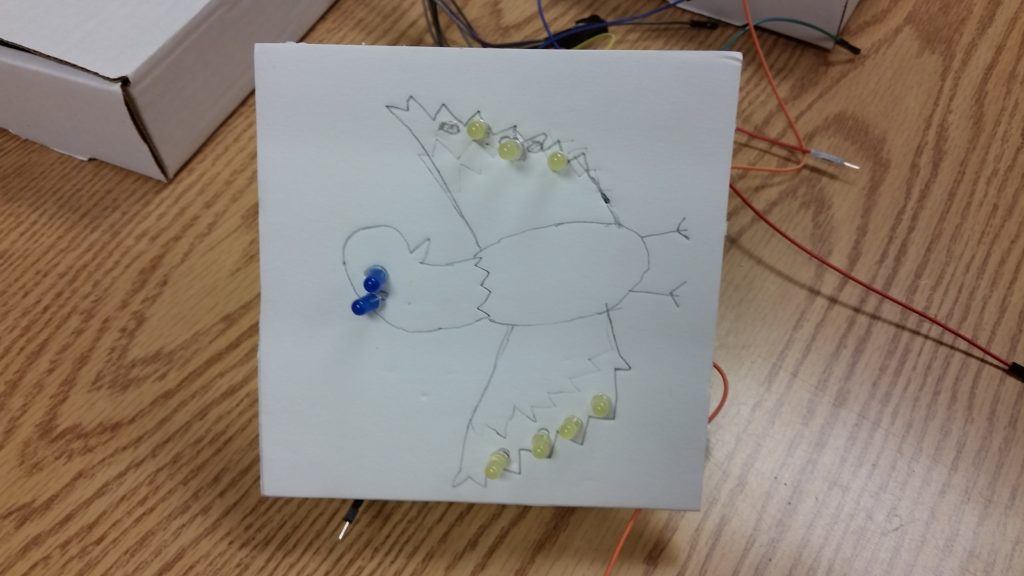
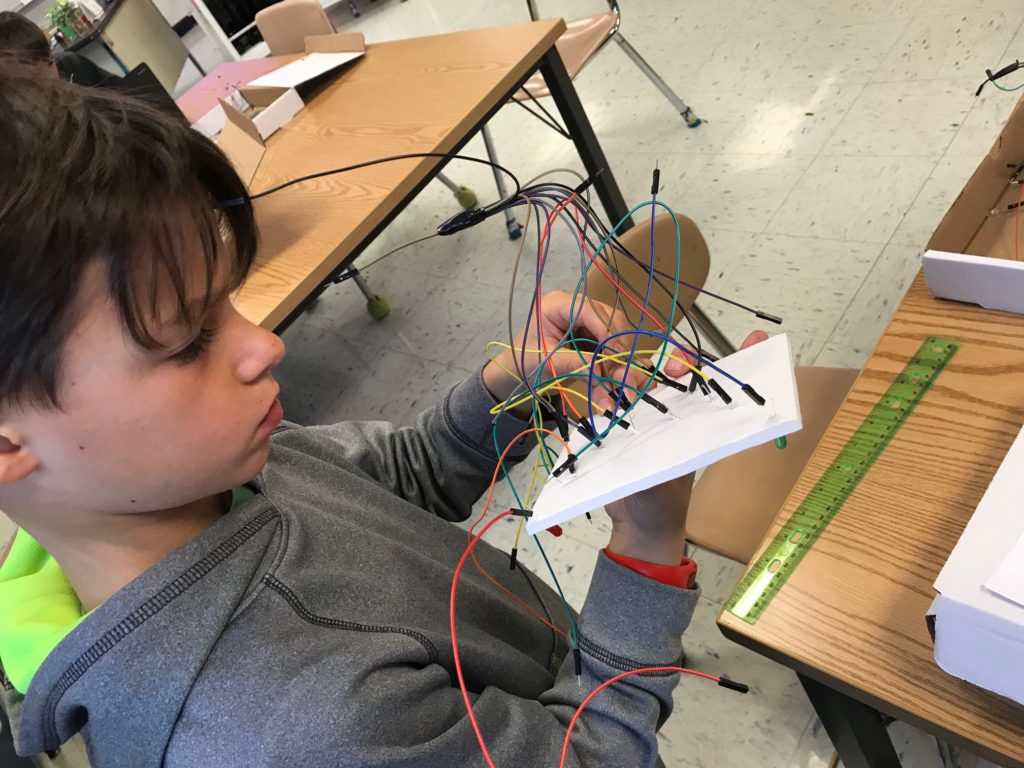
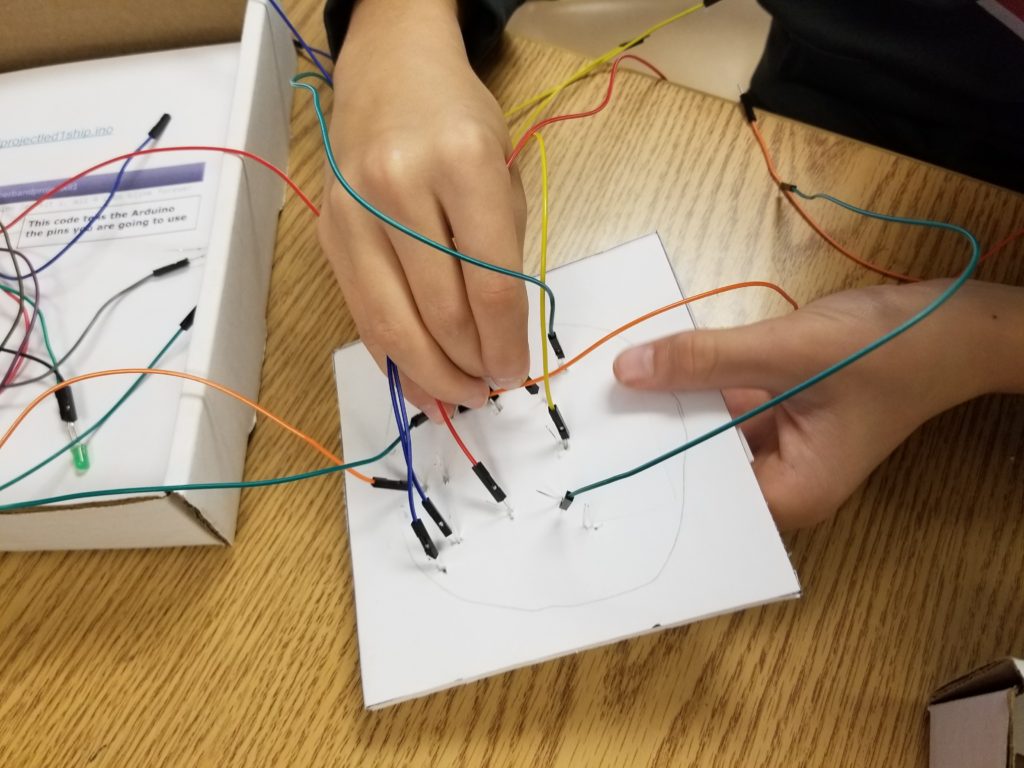
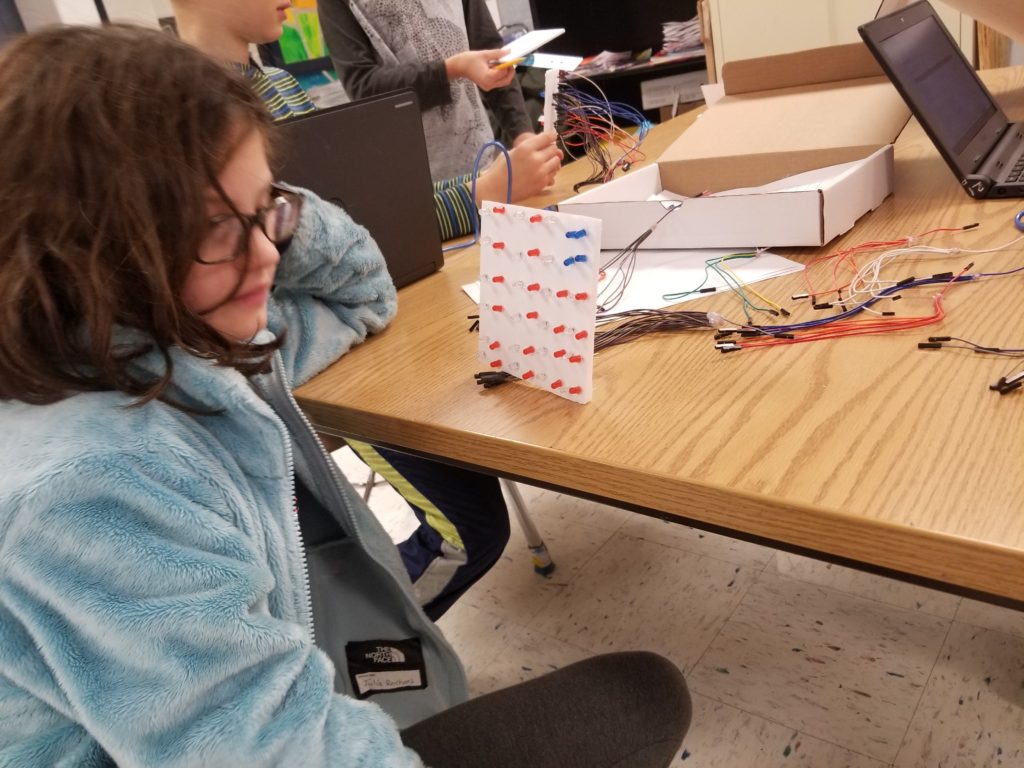
11.6 Students began taking their mock-up paper ideas and turning them to live using foam core, LED’s and jump wires. You can see that the jump wires that will eventually get hidden inside the sculpture are very complex. It takes fine motor skills to attach the jump wires to the LED’s. Students also have to be careful to attach the correct jump wires to each LED and be specifically careful to attach the ground jump wire to the shorter LED lead, and the positive jump wire to the longer LED lead.
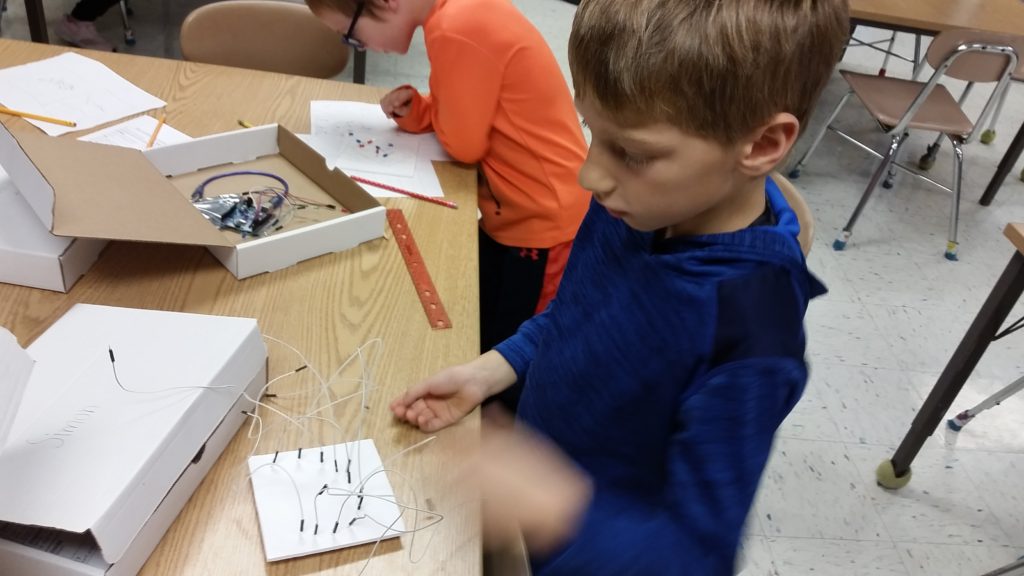
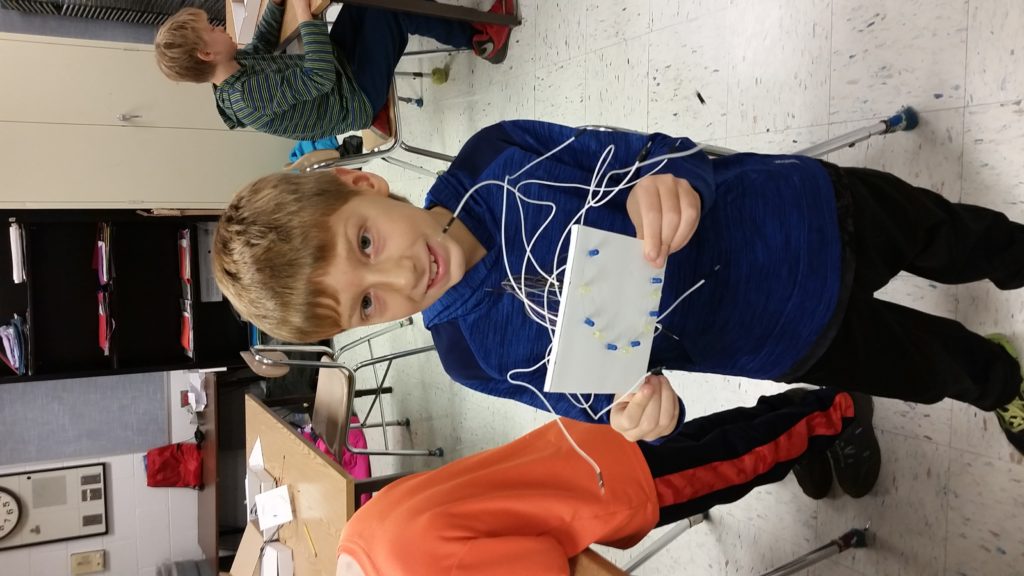
11.20 – Today students continued to work on their projects. Students who had missed class sketched their ideas from paper onto their foam-core square, some added LED’s to their foam-core, most students attached their positive and negative wires to LED’s and Arduino boards. Some students began to program their projects.
Control + A = Select All
Control + C = Copy
Control + V = Paste
Link to 12 LED’s and then a simple function
https://docs.google.com/document/d/1ZsYP1OuxxNSGYsfebcJlASQFO2FhGNBXf-DfXMJuEoY/edit?usp=sharing

12 LED’s on and off:
https://codebender.cc/sketch:932885

Helper Function
https://codebender.cc/sketch:932886

Paper Rocket Launch


In the fall of 2021 and 2022 we participated in NIU’s STEM Fest. Kids built and launched over 100 rockets in this all-day session.  Our booth made the STEM Fest video.  From 41-45 seconds, you can see a quick peak at our booth, and one participant launching their rocket. 

https://niusteam.niu.edu/wp-content/uploads/2021/10/STEM-Fest-Map.pdf

In the fall of 2020 we had a virtual asynchronous steam club using D200’s Google Classroom. Below are a series of videos about the fall of 2020

Fall Wrap Up, most of the rocket launch videos
Major asynchronous video

Interactive Sculptures

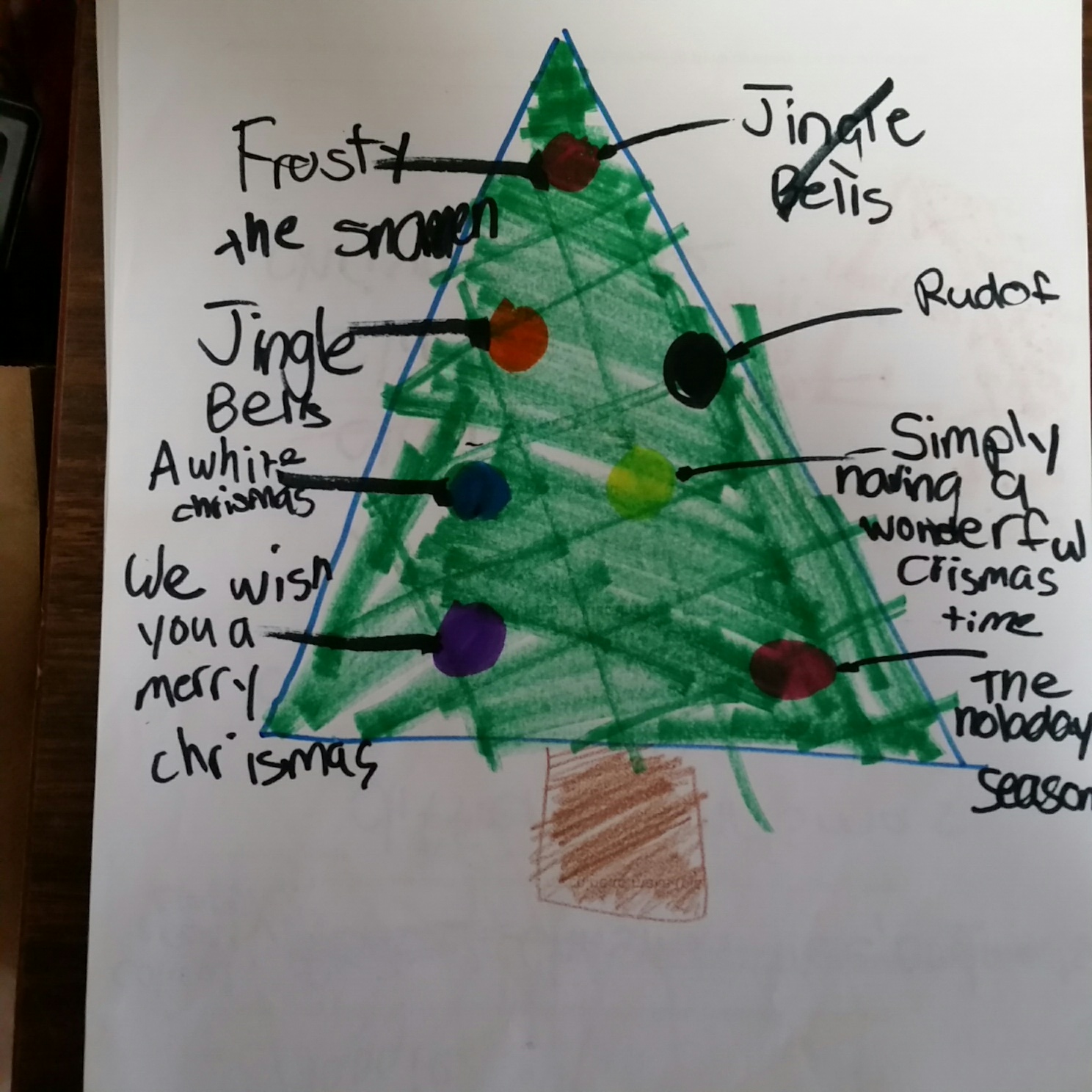
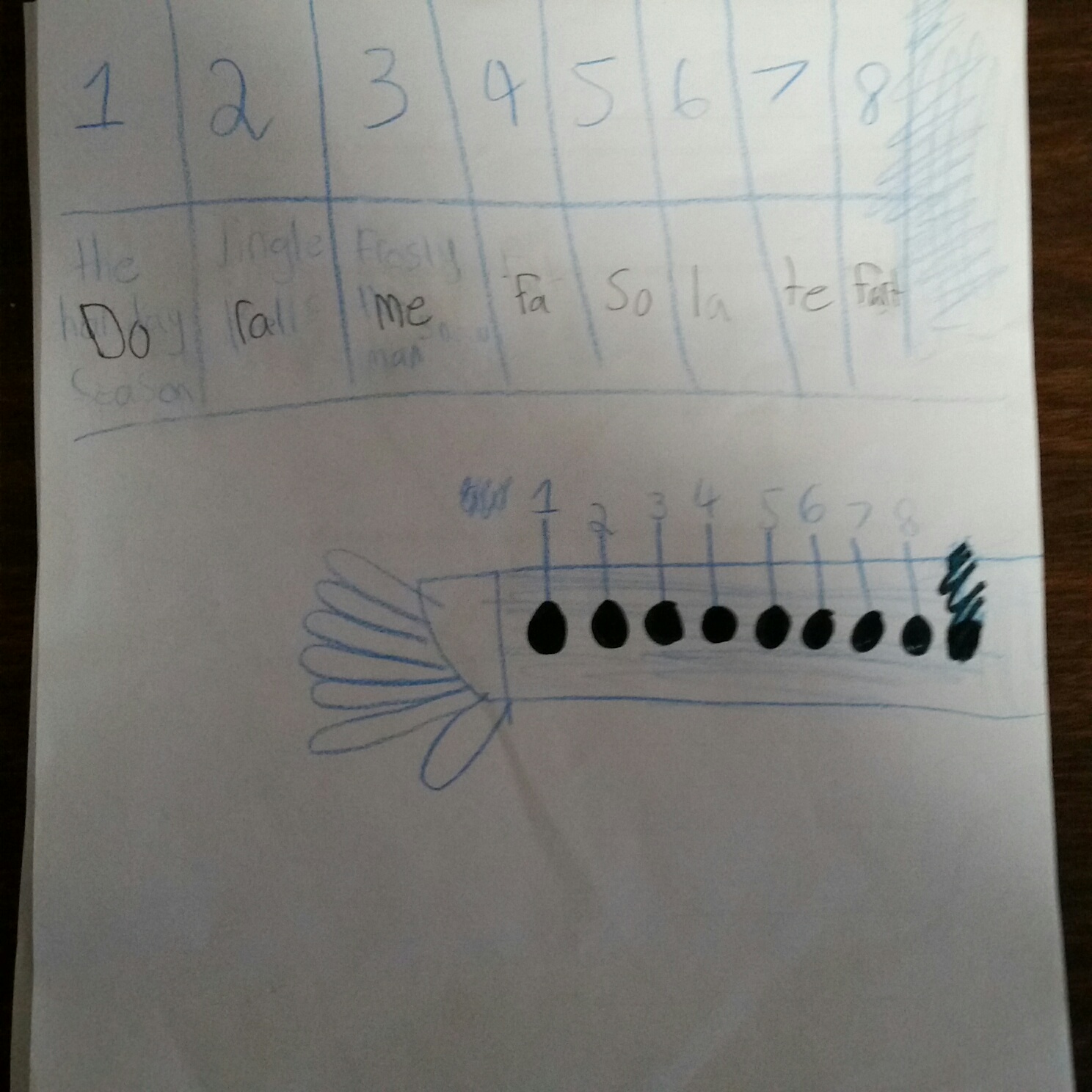
Our interactive sculpture unit started by introducing students to Makey Makey boards.  They were able to see how the computer could attach to external triggers.   Students were able to play with a few Makey Makey demonstration pieces. Then students were asked to plan their own  Preliminary designs for their own Makey Makey Project.
 
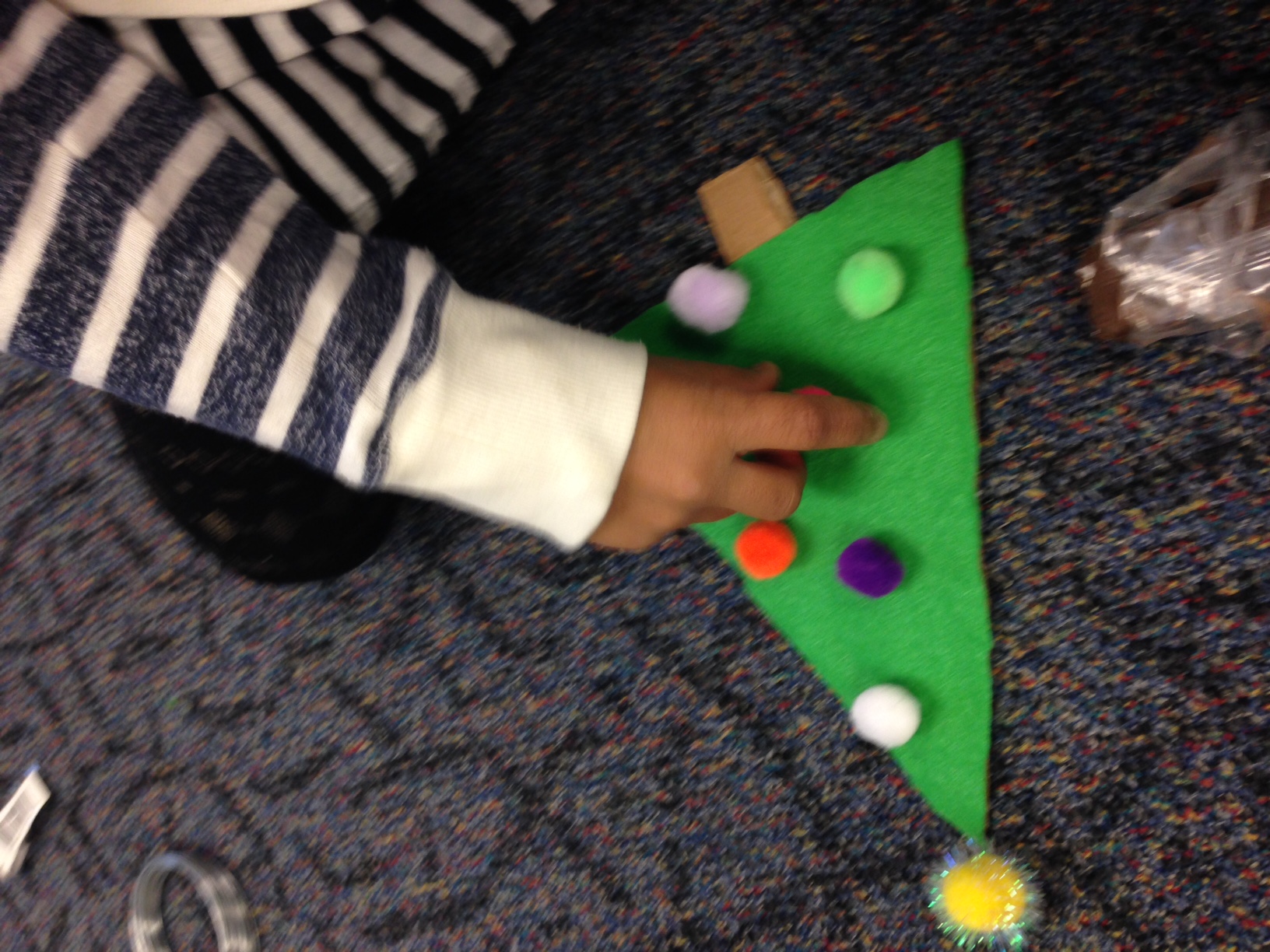
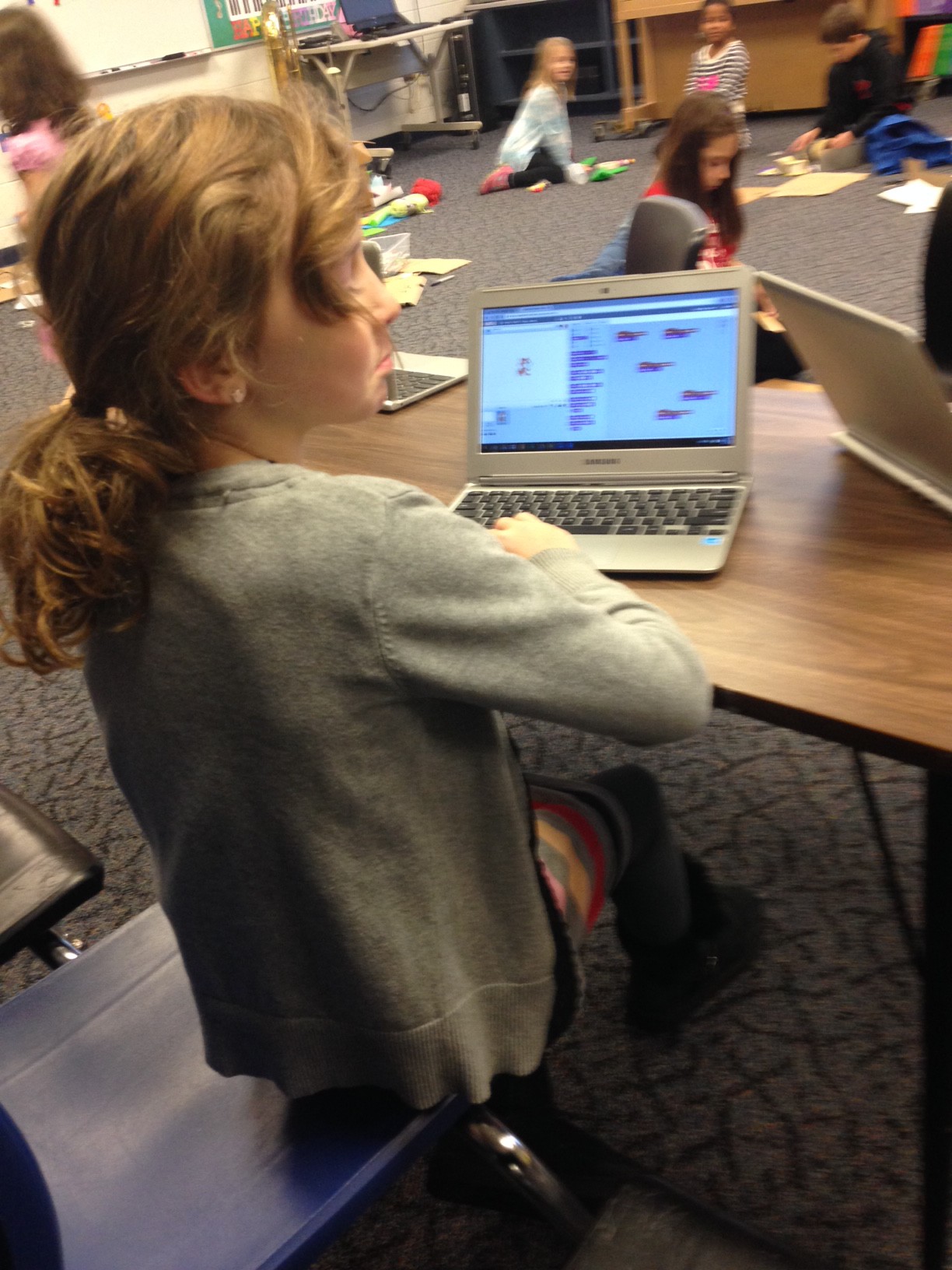
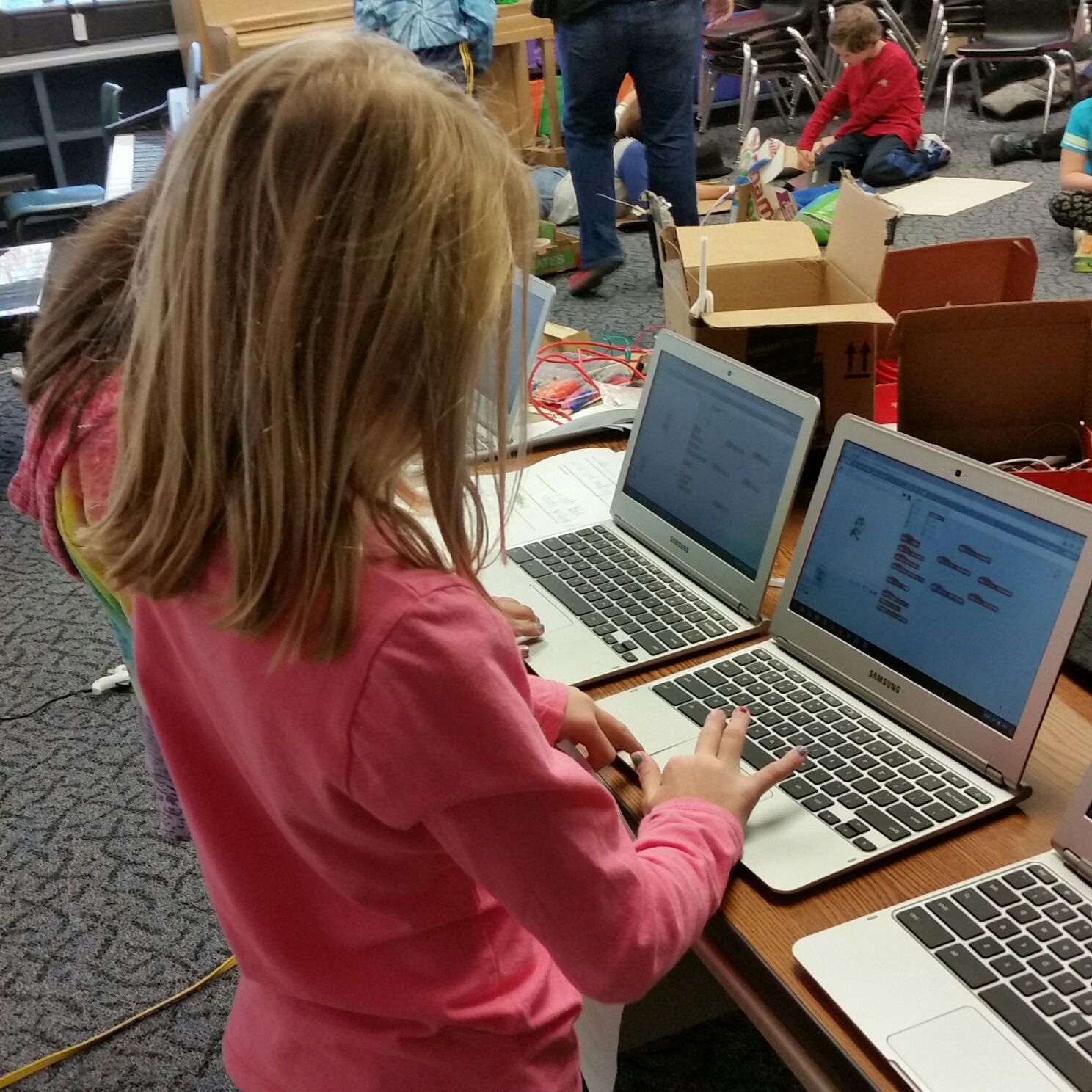
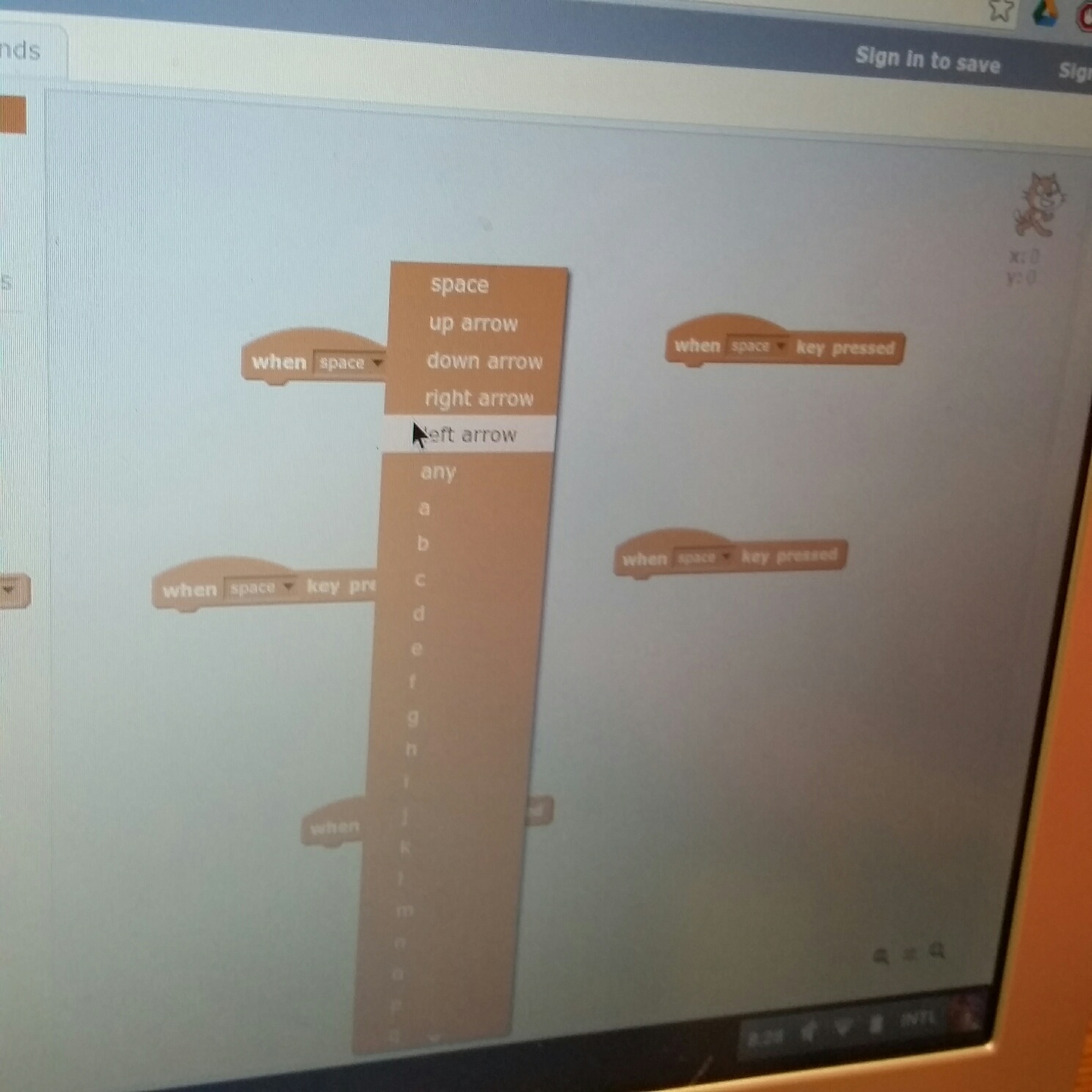
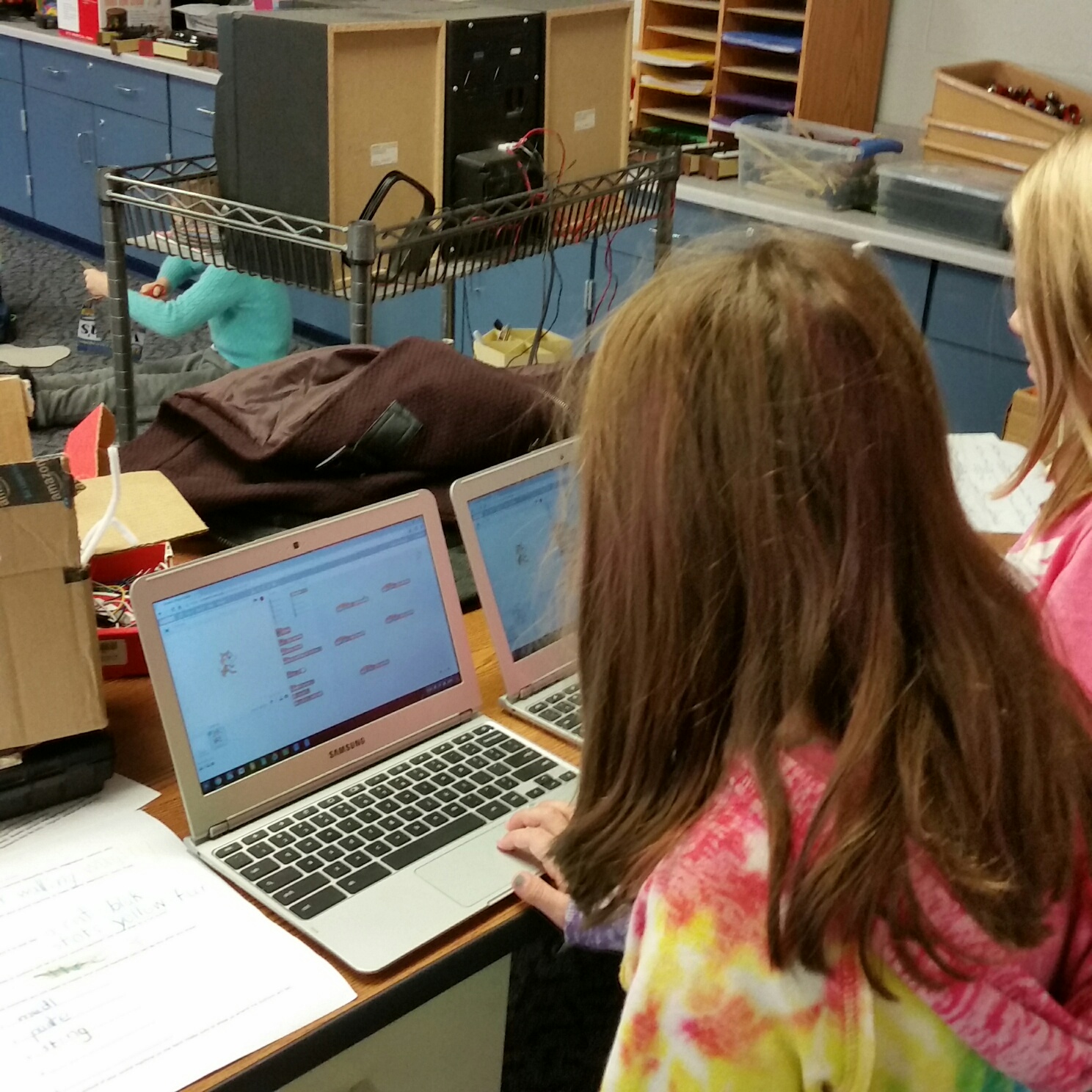
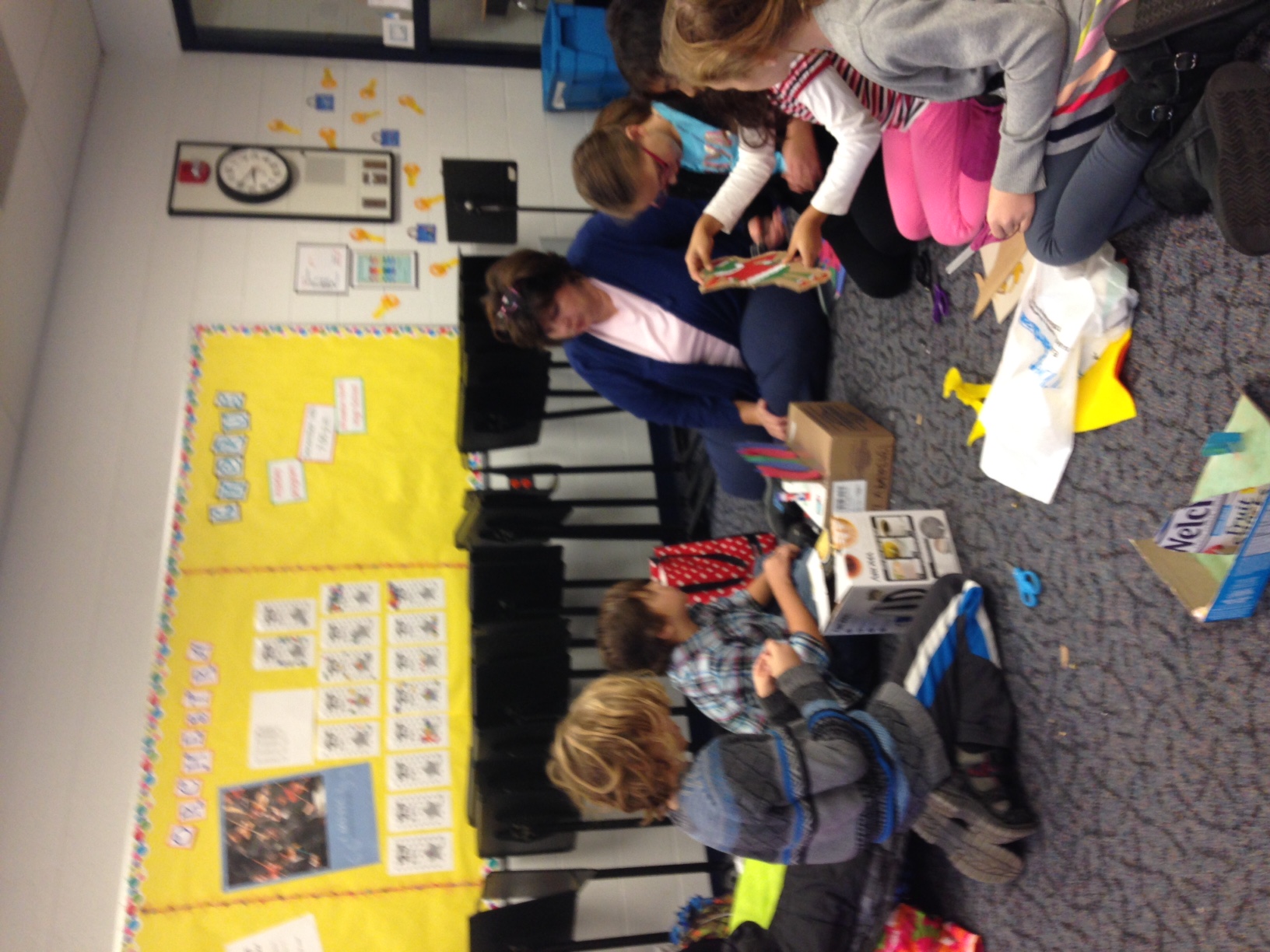
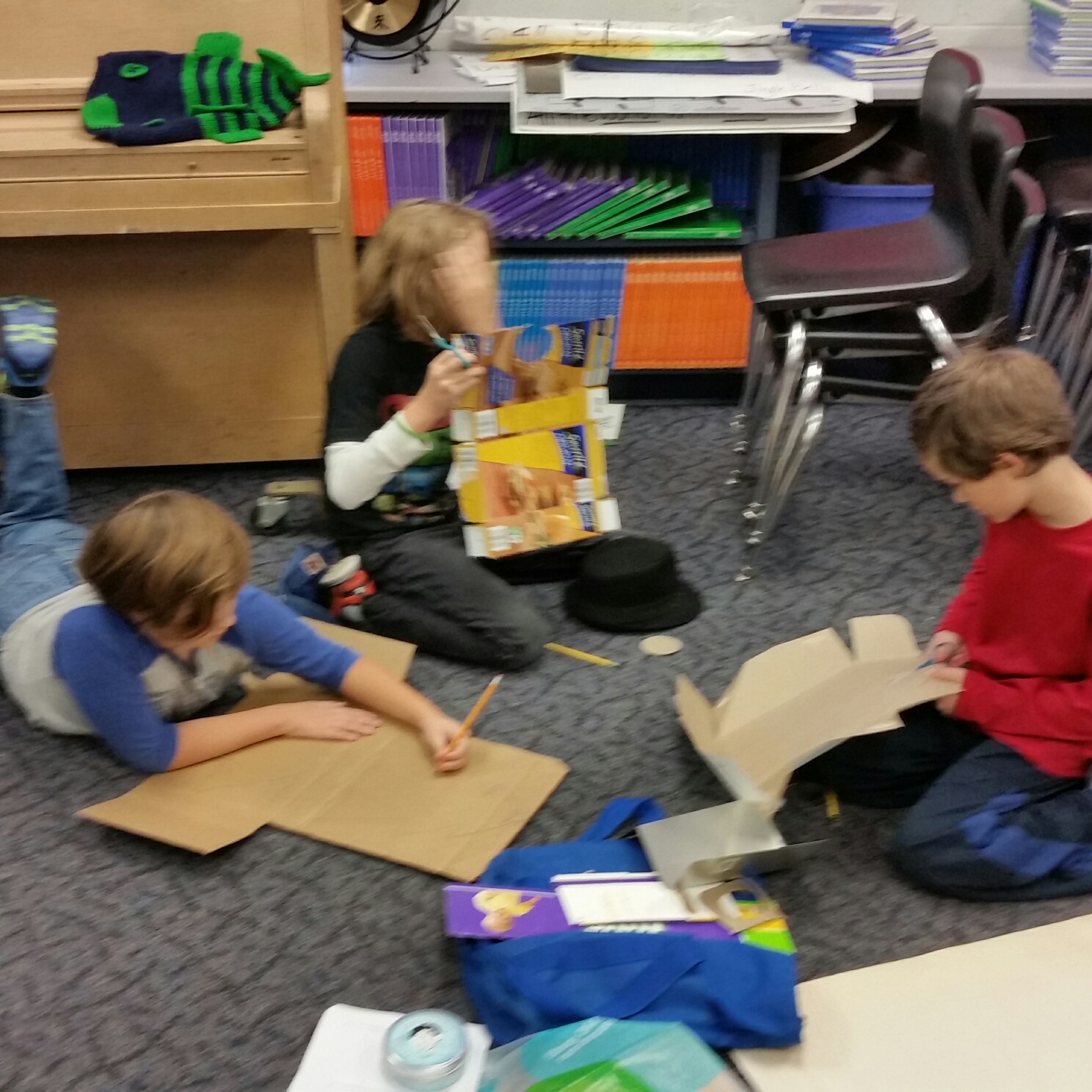
Our next session was a construction day.  Students began taking their designs and transforming them in to physical pieces of art.  Some students learned the iterative cycle of design as their initial designs proved to not conduct electricity, and they had to make design modifications.  This is a fantastic learning opportunity to learn that Mistakes are good and part of any design process.  Some students decided to start by creating computer programs that will allow their Makey Makey projects to have customized sounds. They started by creating or finding the sounds they wanted, and programming those sounds using SCRATCH, a programming language designed for children.
 
On our final construction day we focused on how the design process allows us to make revisions. We learn from our mistakes and tweak our designs.  Several students finished their projects and worked on the coding aspect of their interactive work of art.  Many students programmed different pieces of their art to make different noises / sounds /songs.  Some students even recorded their own sounds.
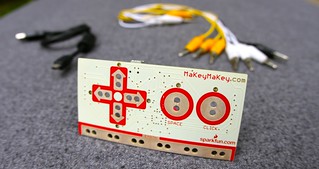
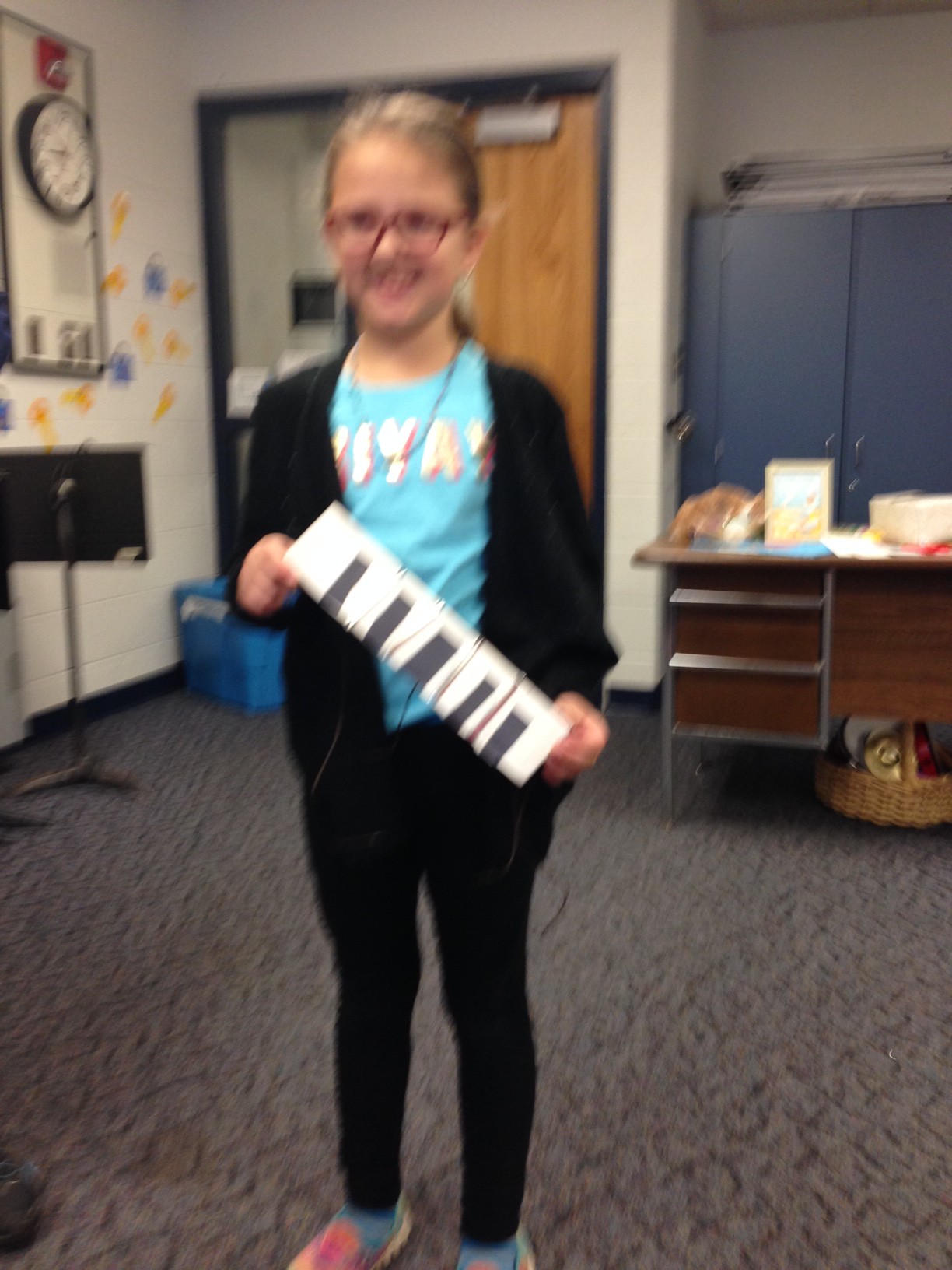
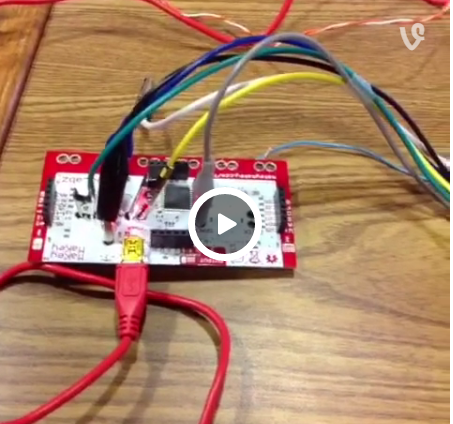
I included a few pictures of the Physical Makey Makey board so you can see, and pictures of the SCRATCH interface. Below the pictures are videos of each student presentations.
 
Below the project information is links to the standards our Makey Makey unit addresses.


*Please contact steve@rubberbandproject if you our your school district are interested in learning more about this project
mmboard mmdesign1 mmdesign2 mmdesign3 Preorder MaKey MaKey today
STEAMMM7 IMG_0168 STEAMMM6 STEAMMM8 STEAMMM2
IMG_0154 STEAMMM5 STEAMMM3 STEAMMM4
IMG_0160 IMG_0161 scratchplaysounds.png
  STEAMMM9 IMG_0162    


CCSS.ELA-LITERACY.RST.6-8.3: Follow precisely a multistep procedure when carrying out experiments, taking measurements, or performing technical tasks.CCSS.ELA-LITERACY.RST.9-10.8: Assess the extent to which the reasoning and evidence in a text support the author’s claim or a recommendation for solving a scientific or technical problem.MS-ETS1-1: Define the criteria and constraints of a design problem with sufficient precision to ensure a successful solution, taking into account relevant scientific principles and potential impacts on people and the natural environment that may limit possible solutions.MS-ETS1-2: Evaluate competing design solutions using a systematic process to determine how well they meet the criteria and constraints of the problem.


HS-PS3-3: Design, build, and refine a device that works within given constraints to convert one form of energy into another form of energy.

(VA:Cr1.1.4a) Brainstorm multiple approaches to a creative art or design problem.

(VA:Cr2.1.4a) Explore and invent art-making techniques and approaches.
(MA:Pr4.1.4) Practice combining varied academic, arts, and media content into unified media artworks, such as a narrated science animation.
(MA:Pr5.1.4) c. Demonstrate use of tools and techniques in standard and novel ways while constructing media artworks.
(MA:Pr6.1.3) b. Identify and describe the experience, and share results of and improvements for presenting media artworks.
(MA:Cn11.1.3) b. Examine and interact appropriately with media arts tools and environments, considering safety, rules, and fairness.
 
https://youtu.be/aFxkJu96Jq8

https://youtu.be/aFxkJu96Jq8
https://youtu.be/urg2Kuz9gto
https://youtu.be/mAVzgitQinc
https://youtu.be/84v_bUqgCm0
https://youtu.be/lsdtOHhVGLg
https://youtu.be/IPh6rl1JBF8
https://youtu.be/KVNlEniWOts
https://youtu.be/wqt8Sdq09SE
https://youtu.be/IT9bI-PM7QA
https://youtu.be/EQRwfgSU4ZI
https://youtu.be/9AWxoK1PpPo
https://youtu.be/1zeBuSgYA4g